


Play Now
Geometry Arrow


 Geometry Dash Spider
 3Dash
 Black Geometry Wave Super Challenge
 gd SubZero
 GD Tidal Wave
 Geometry Arrow
 Geometry Dash Black Dragon
 Geometry Dash Black Line
 Geometry Dash Daily Level Dream World
 Geometry Dash Cyberpunk
 Geometry Dash Demons
 Geometry Dash Extrapolation
 Geometry Dash Hairless Adventure
 Geometry Dash Nemesis
 Geometry Dash Polargeist
 Geometry Dash Press Start
 Geometry Dash Retray
 Geometry Dash Spam
 Geometry Dash Subzero 3D
 Geometry Jump Sketchy
 Geometry jump 2
 Geometry Neon Dash Rainbow
 Geometry Dash Rash 2.0
 Geometry Dash Rash
 Geometry Vibes Monster
 Geometry Wave Challenge
 Geometry Vertical Poligon Dash
 Geometry Zig Zag Arrow
 Geometry Wave Hero
 I Just Might Dash
 Impossible Dash
 gd world
 Geo Rush
 Geometry Dash 3d
 Geometry Dash Breeze
 Geometry Dash Double Wave Pro
 Geometry Dash Gaminia
 Geometry Dash Horror
 Geometry Dash Onward
 Geometry Dash Spam 3d
 Geometry Dash Switch
 Geometry Dash Tidal Wave
 Geometry Escape
 Geometry jump
 Geometry Platformer
 Geometry Stars
 Geometry Tile Rush
 GD Meltdown
 Geometry Dash 2.2
 Geometry Dash Death Moon
 Hyper Wave Trial
 Finger Dash
 Geometry Open World
 Sonic Wave GD
 Geometry Dash 2D Platformer
 Geometry Dash Dangerous Choices
 Geometry Dash Lava Mode
 Geometry Neon Dash
 Geometry Dash 8 bit
 Geometry Dash Impossible Wave
 Geometry Dash Robot
 Geometry Dash Secret Mode
 Geometry Portal Challenge
 Geometry Dash Suponho
 Geometry Ball Challenge
 Wave God 2.2 Challenge
 Brimstone Rebirth
 The Impossible Dash
 Gd Lite
 Geometry Arrow 3D
 Geometry Dash Lite 3D
 Geometry Dash Meltdown 3D
 Space Waves 3D
 Geometry Dash Wave 3D
 Trigonometry Dash
 Geometry Dash Remastered
 Everywhere Dash
 GB Dash
 Geometry Black Wave 2
 Geometry Crack
 Famidash
 Square Dash
 Geometry Dash
 Geo Dash Dart 2.2 Challenge
 Electron Dash
 Halloween Geometry Dash
 Geometrical Dash
 Geometric Dash Time to Travel
 Wave Challenges
 Geometry Dash Wave
 Winter Dash
 Impossible Light Dash
 Geo Dash
 Xmas Dash
 Wave Dash Geometry Arrow
 Geometry Dash Freeznova
 Dash Master
 Geo Dash 2
 Geometry Ball Hardcore
 Geometry Dash 1.5
 Geometry Dash 2
 Geometry Dash 23
 Geometry Dash 3D 12 Characters
 Geometry Dash Bit by Bit
 Geometry Dash Black Ball
 Geometry Dash Black Wave
 Geometry Dash Blackboard
 Geometry Dash Bloodbath
 Geometry Dash Bloodlust
 Geometry Dash Clone
 Geometry Dash Colorblind
 Geometry Dash Crazy
 Geometry Dash Dead Classic
 Geometry Dash Fire And Water
 Geometry Dash Flying Saucer
 Geometry Dash For Real
 Geometry Dash Free
 Geometry Dash Full Version
 Geometry Dash Gear
 Geometry Dash Hardcore Ball
 Geometry Dash Hardcore
 Geometry Dash Hyper Wave
 Geometry Dash Infrunami
 Geometry Dash Kappaclysm
 Geometry Dash Lava Mod
 Geometry Dash Maze Maps V2
 Geometry Dash Maze Maps
 Geometry Dash: Mega Runner
 Geometry Dash Meltdown 2
 Geometry Dash Mr. Dubstep
 Geometry Dash Neon
 Geometry Dash Online
 Geometry Dash Remodeled
 Geometry Dash Revamped CRYIWASE
 Geometry Dash Revamped - SlaughterHouse Accurate Recreation
 Geometry Dash Rock Hard
 Geometry Dash Sakupen Hell
 Geometry Dash SubZero 2
 Geometry Dash Super Bull Phonk
 Geometry Dash Super Editor
 Geometry Dash Super Wave
 Geometry Dash Tartarus
 Geometry Dash UFO 2D
 Geometry Dash Unblocked
 Geometry Dash Unstoppable Wave
 Geometry Dash Wave 2
 Geometry Dash Wave Spam
 Geometry Dash World 2
 Geometry Desh Neon
 Geometry Neon Dash Subzero
 Geometry Neon Dash World
 Geometry Subzero
 Geometry Vibes 3D
 Geometry Vibes X Arrow
 Geometry Vibes
 Hyper Wave Challenge
 Neon Dash 2
 Test Pilot Game
 Geometry Jump World
 Geometry Dash Deep Blue
 Geometry Dash Auto Clubstep
 Geometry Dash Dorabaebasic10
 Geometry Dash Beginner Madness
 Geometry Dash DiscoPol
 Geometry Dash Aperture
 Geometry Dash Dreamy
 Geometry Dash Eon Walker
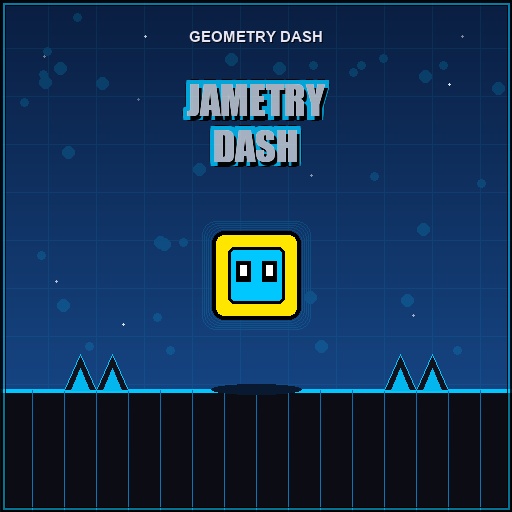 Jametry Dash
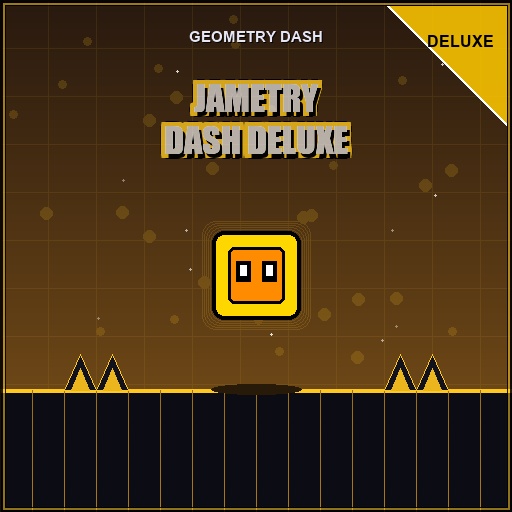 Jametry Dash Deluxe
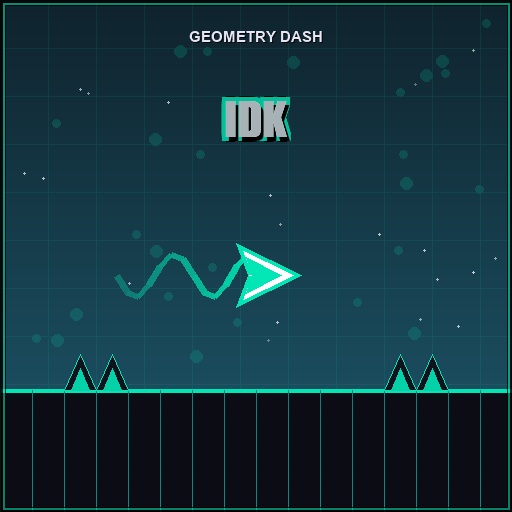 Geometry Dash IDK
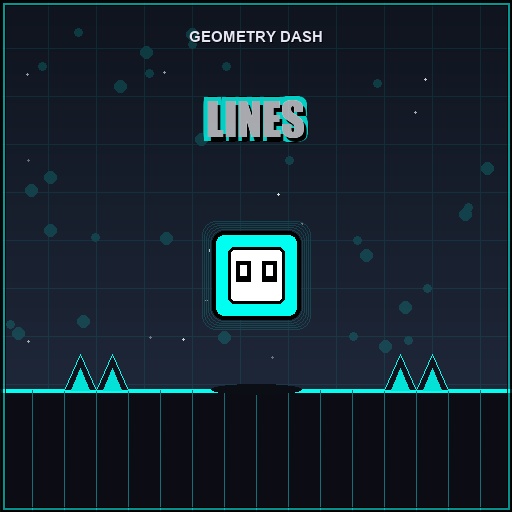 Geometry Dash L i N E S
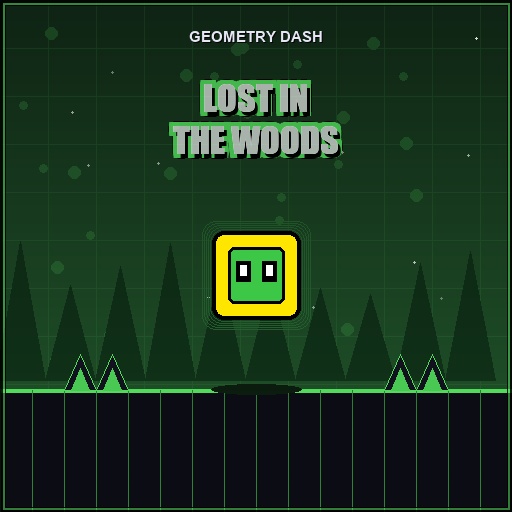 Geometry Dash Lost in the Woods
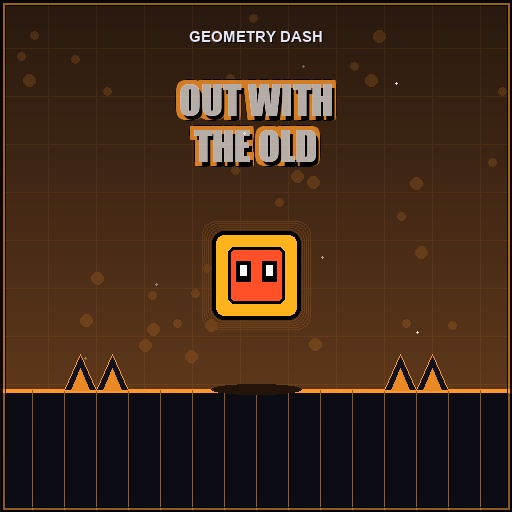 Geometry Dash Out With the Old
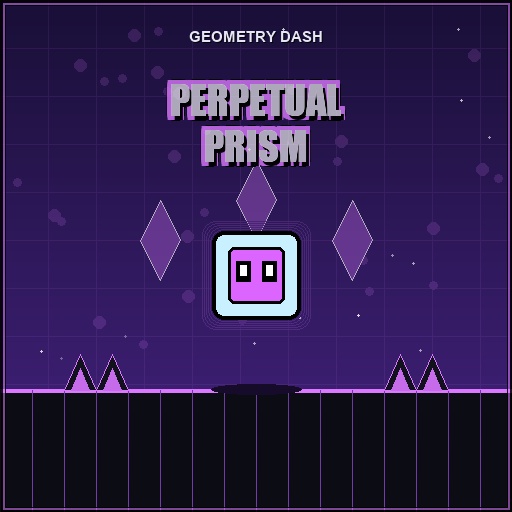 Geometry Dash Perpetual Prism
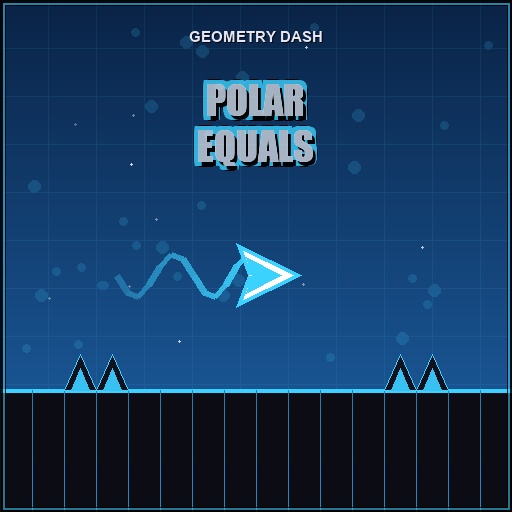 Geometry Dash POLAR EQUALS
 Geometry Dash Space Gauntlet
 Geometry Dash Square Shock
 Geometry Dash Still
 Geometry Dash Unbroken
 Geometry Dash Work
 Hot
 Popular
Fast-Paced Action & Jump Physics in Geometry Arrow
Experience the high-velocity rhythm action of Geometry Arrow on Geometry Jump! Geometry Arrow is an engaging rhythm obstacle game on geometryjump.games. Categorized under Cube Jumping, Obstacle Evasion, the game challenges players to maintain momentum, anticipate incoming hazards, and navigate geometric courses with disciplined timing.
Quick Guide: Controls & Rules of Play
Primary controls utilize standard geometry inputs: tap Spacebar, Up Arrow, W, or Left Click to jump over spike clusters and land cleanly on floating platforms. Jump rings and pads activate upon contact—hold briefly across chained pads where appropriate, and keep your tap frequency aligned with stage tempo.
What Sets This Reflex Challenge Apart?
- When a specific jump repeatedly ends your run, focus solely on nailing that single obstacle's timing. - Buffer inputs by pressing slightly before touching pads to guarantee clean, zero-delay launches. - Maintain a relaxed hand grip during intense sequences to avoid muscle fatigue and delayed reactions.
Tips to Maximize Your Survival & High Score
- Geometry Dash Black Dragon – Try another community-favorite geometric obstacle run on Geometry Jump. - Geometry Dash Black Line – Try another community-favorite geometric obstacle run on Geometry Jump.
Explore More Popular Games on Geometry Jump
If you enjoy testing your timing and reflexes in Geometry Arrow, be sure to explore other top-rated rhythm titles on Geometry Jump:
Frequently Asked Questions (FAQ)
1. Is Geometry Arrow free to play online?
Yes! Geometry Arrow is 100% free to play directly in your web browser on GeometryJump.games with no download, installation, or registration required.
2. How do wave controls work in Geometry Arrow?
Hold the Spacebar, Left Click, or Up Arrow (or hold the touch screen on mobile) to ascend diagonally, and release to descend at high velocity through tight zig-zag corridors.
3. Can I play Geometry Arrow on school Chromebooks or mobile devices?
Yes. Geometry Arrow runs on lightweight HTML5 and WebGL technology, providing unblocked, full-speed gameplay on Chromebooks, Windows PCs, Macs, iPhones, and Android devices.
4. What is the best strategy to beat difficult levels in Geometry Arrow?
Use Practice Mode checkpoints to memorize tricky sections first, look slightly ahead of your icon to anticipate hazards early, and follow the electronic music beat to maintain precise jump timing.