


Play Now
Geometry Vibes 3D


 Geometry Dash Spider
 3dash
 Black Geometry Wave Super Challenge
 gd SubZero
 GD Tidal Wave
 Geometry Arrow
 Geometry Dash Black Dragon
 Geometry Dash Black Line
 Geometry Dash Daily Level Dream World
 Geometry Dash Cyberpunk
 Geometry Dash Demons
 Geometry Dash Extrapolation
 Geometry Dash Hairless Adventure
 Geometry Dash Nemesis
 Geometry Dash Polargeist
 Geometry Dash Press Start
 Geometry Dash Retray
 Geometry Dash Spam
 Geometry Dash Subzero 3D
 Geometry jump 2
 Geometry Neon Dash Rainbow
 Geometry Dash Rash 2.0
 Geometry Dash Rash
 Geometry Vibes Monster
 Geometry Wave Challenge
 Geometry Vertical Poligon Dash
 Geometry Zig Zag Arrow
 Geometry Wave Hero
 I Just Might Dash
 Impossible Dash
 gd world
 Geo Rush
 Geometry Dash 3d
 Geometry Dash Double Wave Pro
 Geometry Dash Gaminia
 Geometry Dash Horror
 Geometry Dash Onward
 Geometry Dash Spam 3d
 Geometry Dash Switch
 Geometry Dash Tidal Wave
 Geometry Escape
 Geometry jump Unblocked
 Geometry Platformer
 Geometry Stars
 Geometry Tile Rush
 GD Meltdown
 Geometry Dash 2.2
 Geometry Dash Death Moon
 Hyper Wave Trial
 Finger Dash
 Geometry Open World
 Sonic Wave GD
 Geometry Dash 2D Platformer
 Geometry Dash Dangerous Choices
 Geometry Dash Lava Mode
 Geometry Neon Dash
 Geometry Dash 8 bit
 Geometry Dash Impossible Wave
 Geometry Dash Robot
 Geometry Dash Secret Mode
 Geometry Portal Challenge
 Geometry Dash Suponho
 Geometry Ball Challenge
 Wave God 2.2 Challenge
 Brimstone Rebirth
 The Impossible Dash
 Geometry Arrow 3D
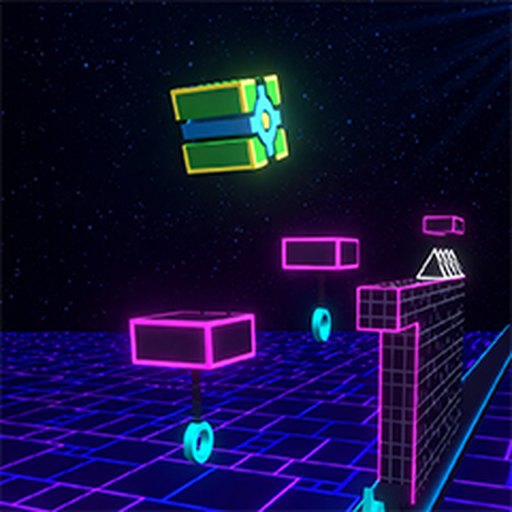 Geometry Dash Lite 3D
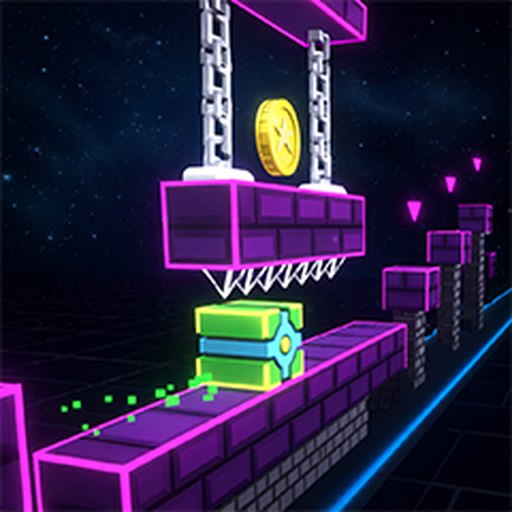 Geometry Dash Meltdown 3D
 Space Waves 3D
 Geometry Dash Wave 3D
 Halloween Geometry Dash
 Geometrical Dash
 Geometric Dash Time to Travel
 Wave Challenges
 Winter Dash
 Impossible Light Dash
 Geo Dash
 Xmas Dash
 Wave Dash Geometry Arrow
 Dash Master
 Geo Dash 2
 Geometry Ball Hardcore
 Geometry Dash 3D 12 Characters
 Geometry Dash Bit by Bit
 Geometry Dash Black Ball
 Geometry Dash Blackboard
 Geometry Dash Bloodbath
 Geometry Dash Crazy
 Geometry Dash Full Version
 Geometry Dash Hardcore
 Geometry Dash: Mega Runner
 Geometry Dash Mr. Dubstep
 Geometry Dash SubZero 2
 Geometry Dash Wave Spam
 Geometry Neon Dash Subzero
 Geometry Subzero
 Geometry Vibes 3D
 Geometry Vibes X Arrow
 Geometry Vibes
 Hyper Wave Challenge
 Neon Dash 2
 Geometry Dash 1.5
 Geometry Dash 2
 Geometry Dash Aperture
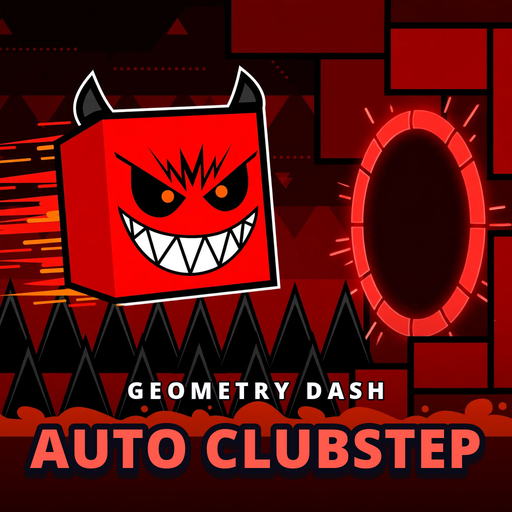 Geometry Dash Auto Clubstep
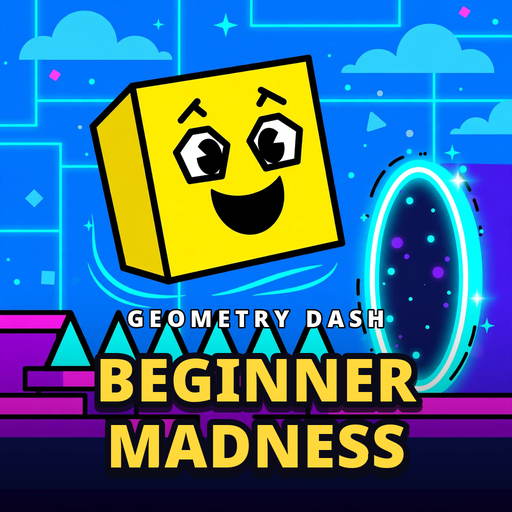 Geometry Dash Beginner Madness
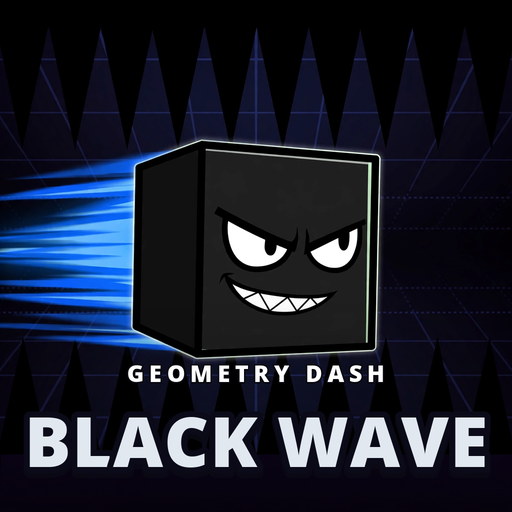 Geometry Dash Black Wave
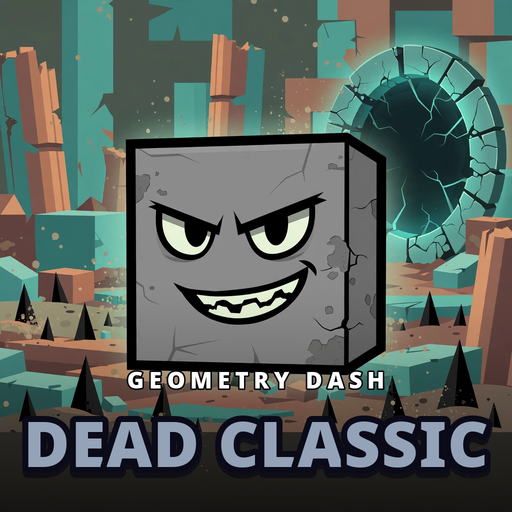 Geometry Dash Dead Classic
 Geometry Dash Deep Blue
 Geometry Dash DiscoPol
 Geometry Dash Dorabaebasic10
 Geometry Dash Dreamy
 Geometry Dash Eon Walker
 Geometry Dash Fire And Water
 Geometry Dash Flying Saucer
 Geometry Dash Free
 Geometry Dash Freeznova
 Geometry Dash Hardcore Ball
 Geometry Dash Hyper Wave
 Geometry Dash IDK
 Geometry Dash Infrunami
 Geometry Dash L i N E S
 Geometry Dash Lava Mod
 Geometry Dash Lost in the Woods
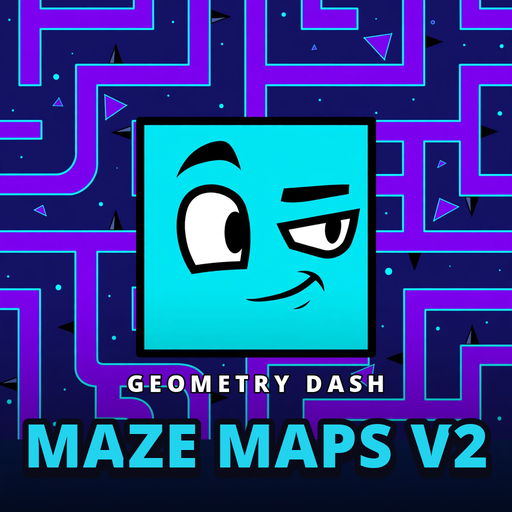 Geometry Dash Maze Maps V2
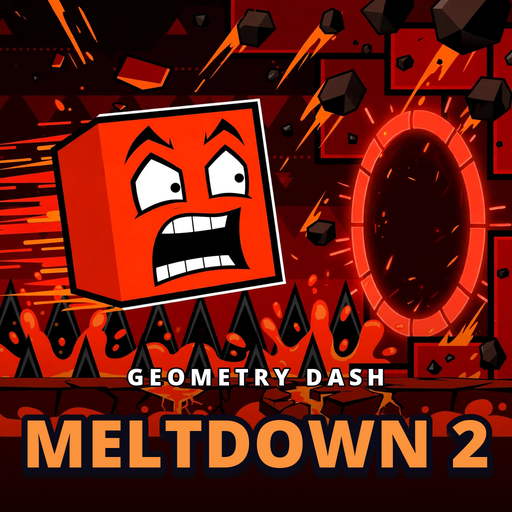 Geometry Dash Meltdown 2
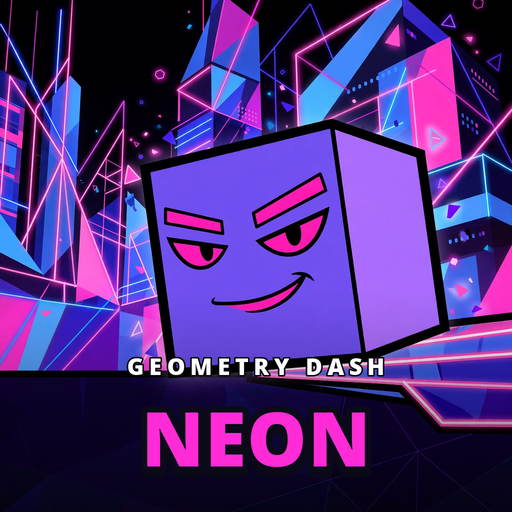 Geometry Dash Neon
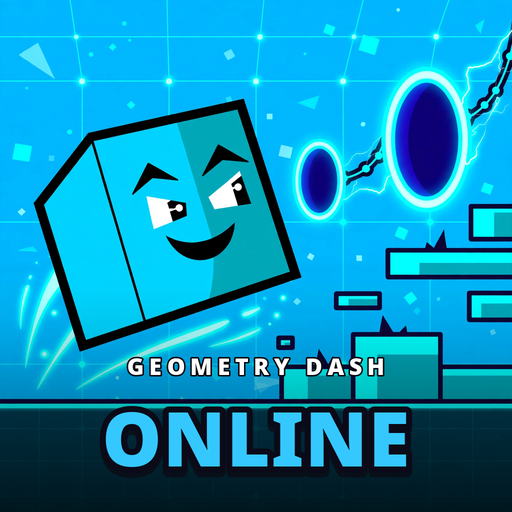 Geometry Dash Online
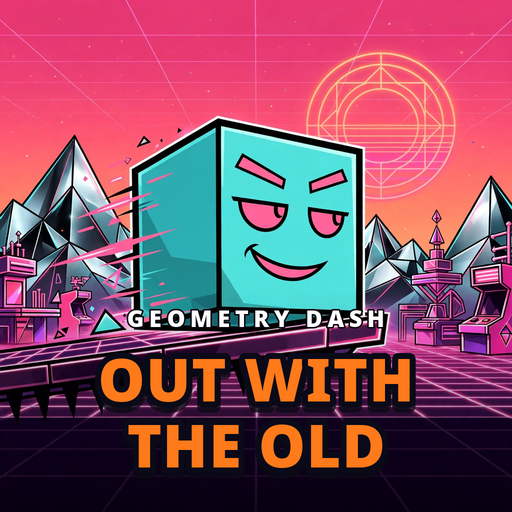 Geometry Dash Out With the Old
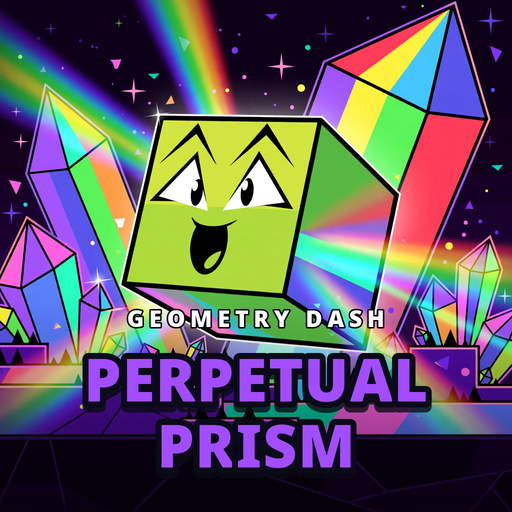 Geometry Dash Perpetual Prism
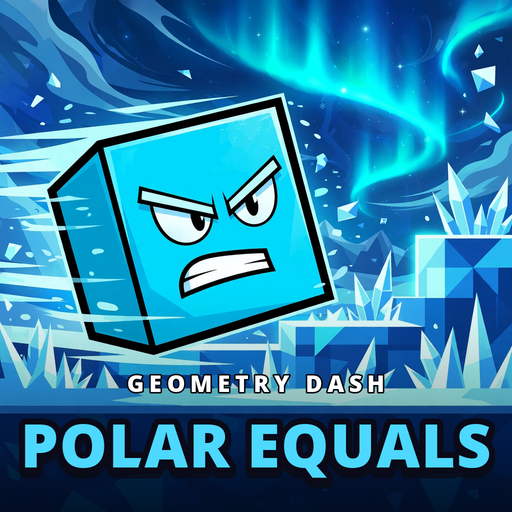 Geometry Dash POLAR EQUALS
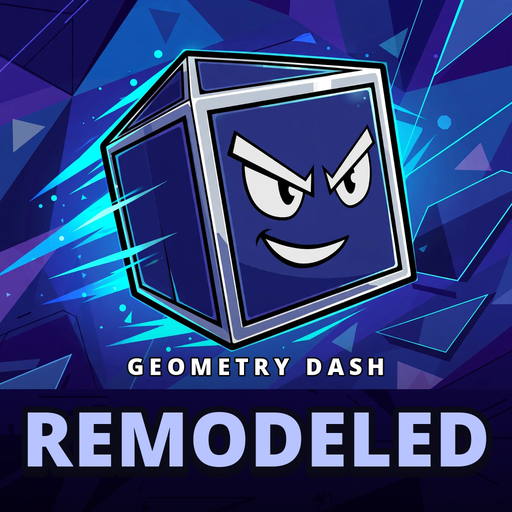 Geometry Dash Remodeled
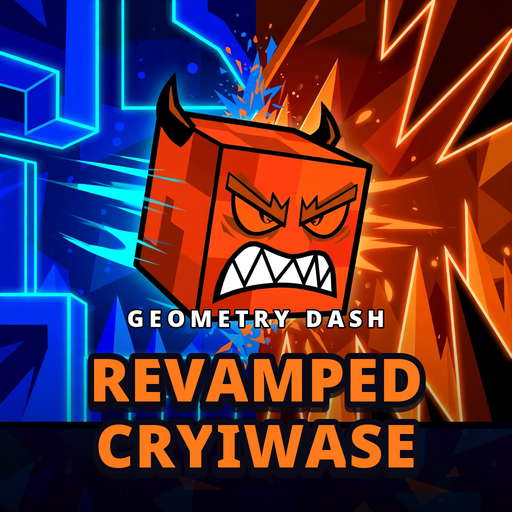 Geometry Dash Revamped CRYIWASE
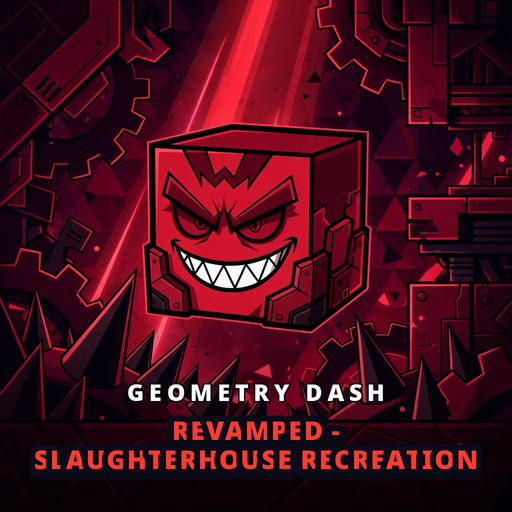 Geometry Dash Revamped - SlaughterHouse Accurate Recreation
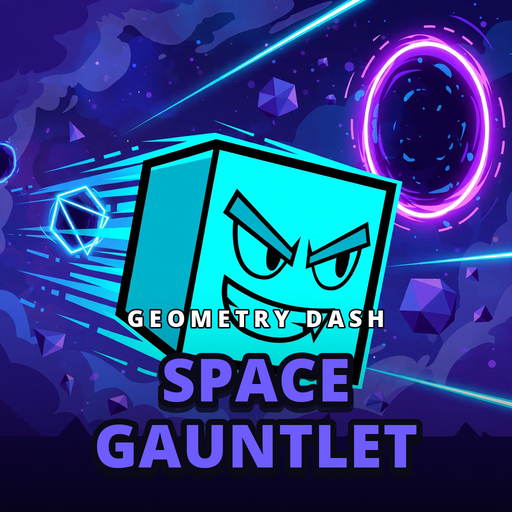 Geometry Dash Space Gauntlet
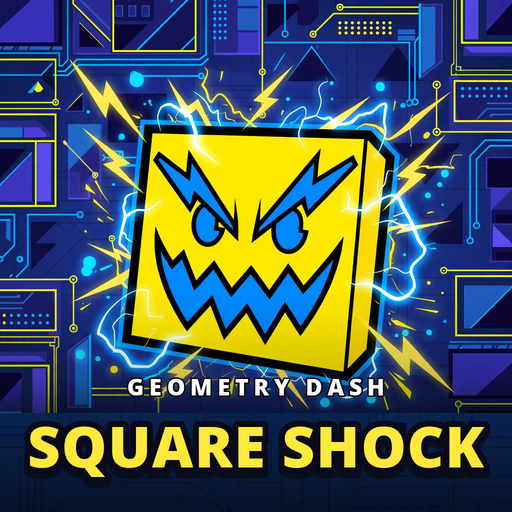 Geometry Dash Square Shock
 Geometry Dash Still
 Geometry Dash Super Bull Phonk
 Geometry Dash Super Editor
 Geometry Dash Super Wave
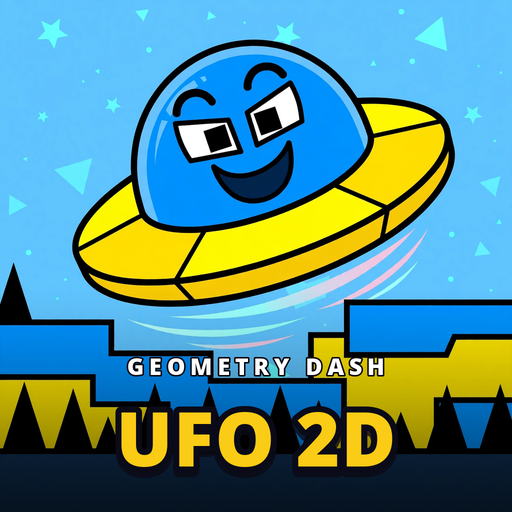 Geometry Dash UFO 2D
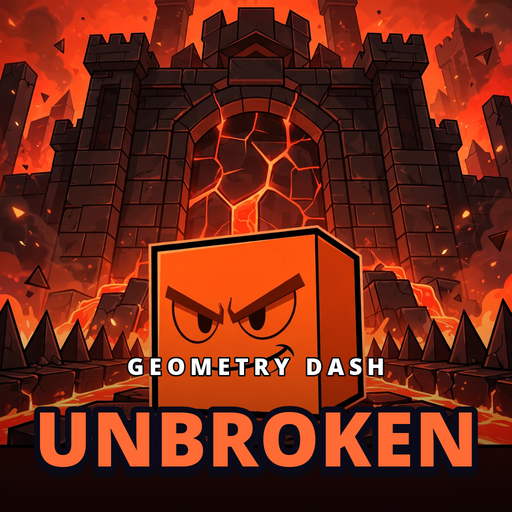 Geometry Dash Unbroken
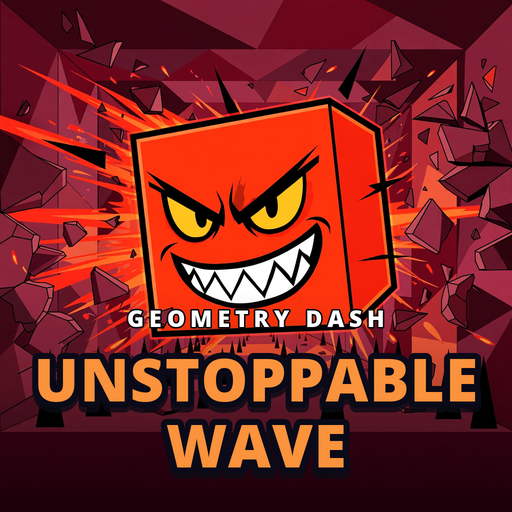 Geometry Dash Unstoppable Wave
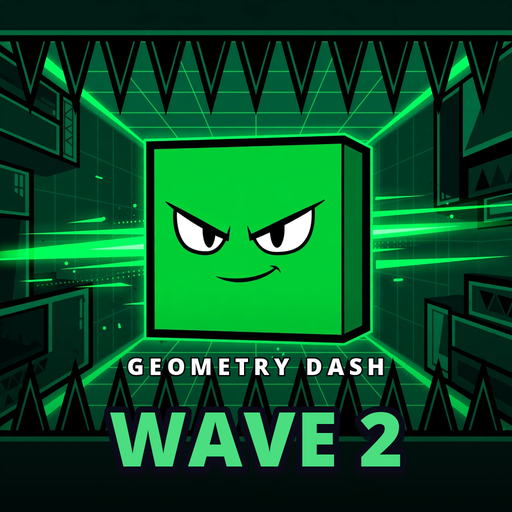 Geometry Dash Wave 2
 Geometry Dash Work
 Jametry Dash
 Geometry Dash Clone
 Gd Lite
 Geometry Dash
 Geometry Crack
 Famidash
 Geometry Jump World
 Geometry Desh Neon
 Trigonometry Dash
 Everywhere Dash
 GB Dash
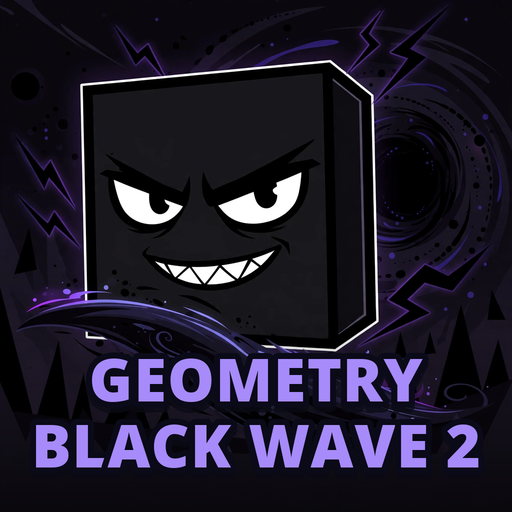 Geometry Black Wave 2
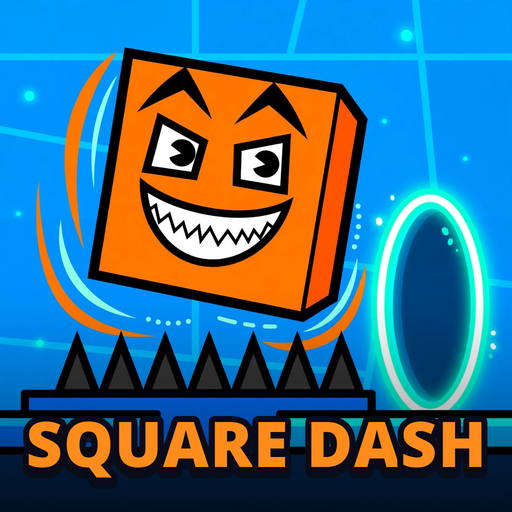 Square Dash
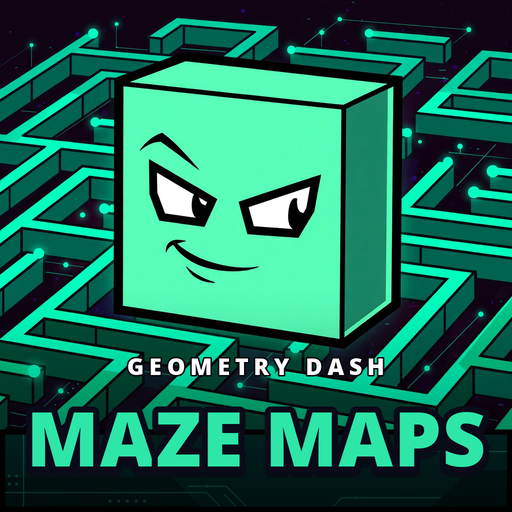 Geometry Dash Maze Maps
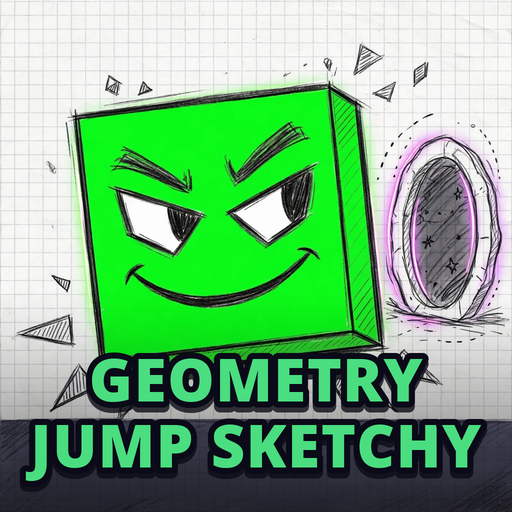 Geometry Jump Sketchy
 Geometry Dash World Game
 Geometry Neon Dash World
 Geometry Dash Remastered
 Geometry Dash Wave
 Electron Dash
 Wave Dash
 Geometry Das Battle of the Memes!
 Geometry Dash Avatar
 Geometry Dash Dangerous Choices
 Labubu Geometry Waves
 Geometry Dash Scratch
 Space Waves
 Geometry 3 Dash
 Geometry Dash Clicker
 Geometry Dash 3D Shooter
 Geometry Dash Infranami
 Geometry Black Gorilla
 Geometry Dash Wave Original
 Geometry Dash Lite
 Geometry Dash Meltdown
 Geometry Dash SubZero
 Hot
 Popular
Overview & Core Gameplay of Geometry Vibes 3D
Step into the high-speed neon universe of Geometry Vibes 3D on BloodBathGD! In this pulse-pounding rhythm platformer, players take control of an energetic geometric icon cruising autonomously across hazardous tracks synced to dynamic EDM soundtracks. Your core mission is to calculate every jump down to the millisecond, clearing treacherous spike traps and navigating floating platforms to cross the finish line unharmed.
Controls & How to Play Online
Playing Geometry Vibes 3D is intuitive, responsive, and completely lag-free across desktop and mobile devices:
Key Hazards & Gameplay Mechanics
To master Geometry Vibes 3D, players must learn to read the level layout and adapt to various obstacles:
Pro Tips for High Scores & Victory
Don't just rely on visual cues—listen closely to the underlying musical beat! The rhythm indicates the exact tempo for upcoming leaps. Memorize tricky trap clusters, remain calm after near-misses, and practice challenging sections until your muscle memory takes over.
Explore More Games on BloodBathGD
If you love Geometry Vibes 3D, be sure to explore other hit titles on BloodBathGD such as Geometry Dash Lite, Geometry Dash Subzero, and Geometry Dash Meltdown!
Frequently Asked Questions (FAQ)
1. Is Geometry Vibes 3D free to play online?
Yes! Geometry Vibes 3D is 100% free to play directly in your web browser on BloodBathGD.games with no download, installation, or registration required.
2. How do I control my character in Geometry Vibes 3D?
Use W, A, S, D or the Arrow keys for directional movement, and Spacebar or Left Click to jump over obstacles and target hazards in three dimensions.
3. Can I play Geometry Vibes 3D on school Chromebooks or mobile devices?
Yes. Geometry Vibes 3D runs on lightweight HTML5 and WebGL technology, providing unblocked, full-speed gameplay on Chromebooks, Windows PCs, Macs, iPhones, and Android devices.
4. What tips help improve high scores in Geometry Vibes 3D?
Listen closely to the background rhythm for jump timing cues, keep your eyes focused slightly ahead of your icon rather than right on it, and avoid panic tapping.